Introduction
This guide provides comprehensive instructions for installing the LFG Node CLI on Ubuntu Linux. Following these steps will help you get your node operational quickly.
Prior Knowledge
Before installing the software, it’s helpful to be familiar with the node fundamentals, LFG Node Dashboard, and LFG Node System requirements:
- LFG Node CLI FAQs: Review common questions about LFG Nodes CLI.
- LFG Node Dashboard: The dashboard provides an overview of your nodes and allows you to manage them efficiently.
- LFG Node CLI Hardware Requirements: Ensure your system meets the necessary hardware specifications.
-
LFG Node CLI Software Requirements:
- Ubuntu Linux 22.04 or higher
- Docker Engine
Instructions
1. Open Terminal and run:
sudo su
Enter your password.
2. Run the following command to download and execute the installation script:
wget -O lfg.sh https://link.lfg.inc/lfgnode-linux-script && chmod +x lfg.sh && bash lfg.sh

Note: This will install the latest updates for Linux, Docker, and the LFG Node CLI.
If prompted to restart services, select all and press Ok.
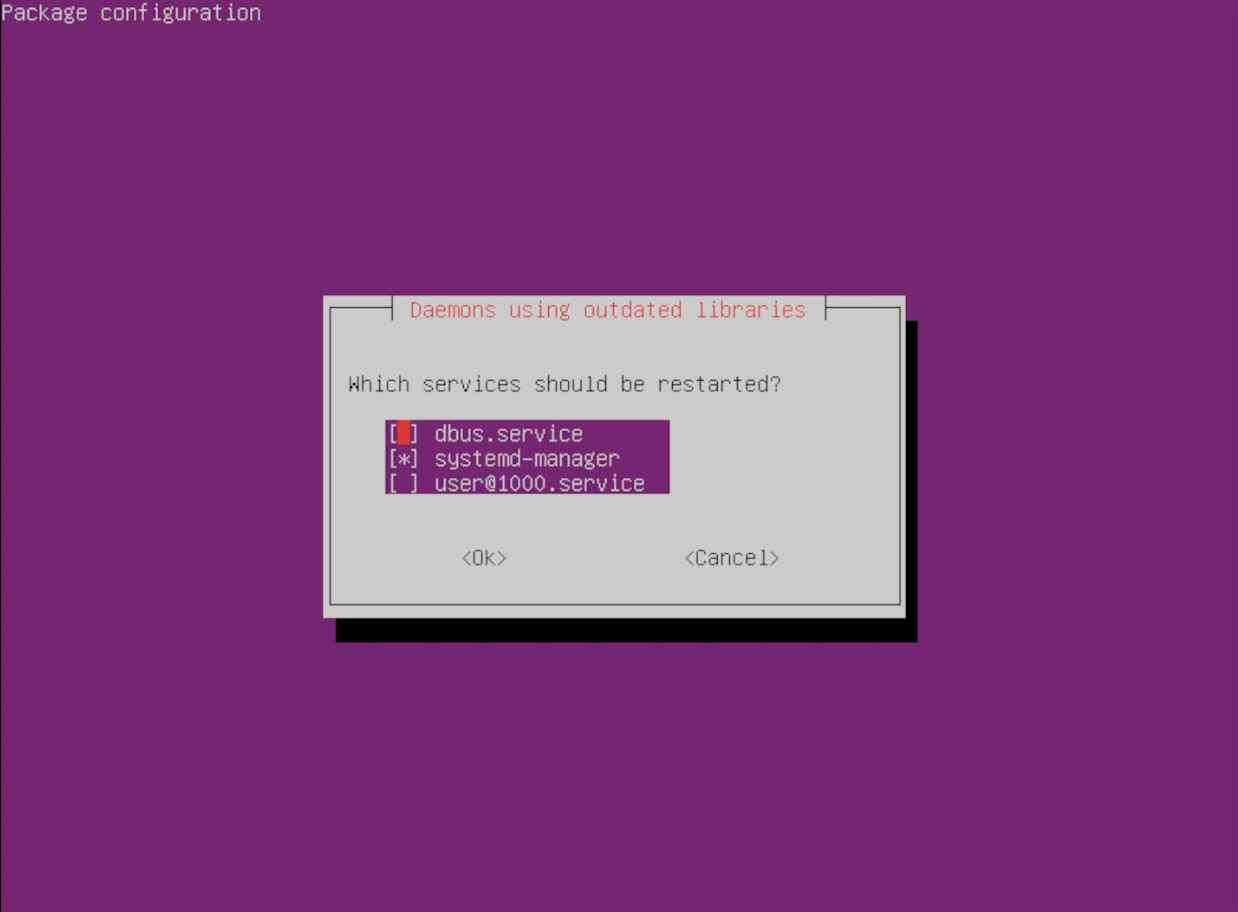
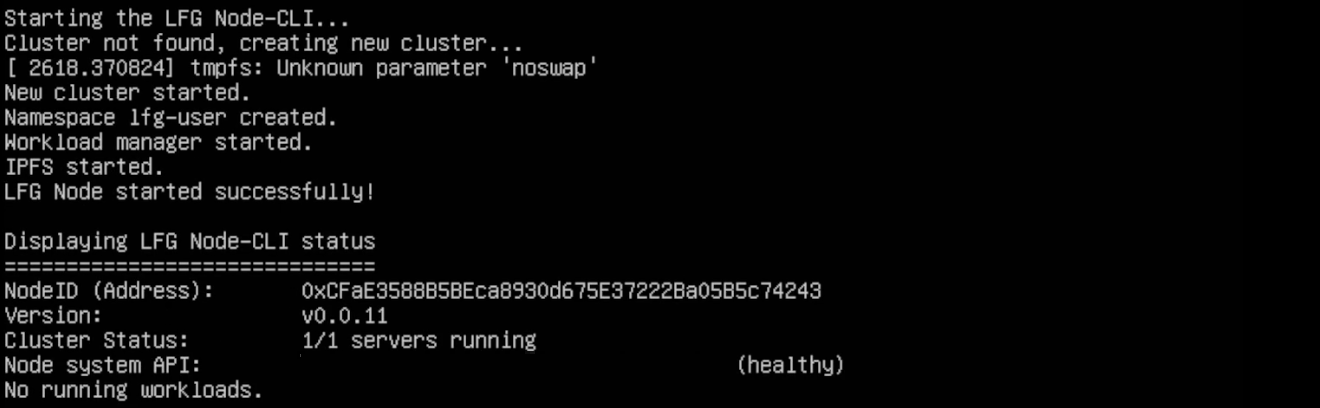
3. Copy the Node Address and visit the LFG Node Dashboard website.
Note: To copy the Node Address, double-click to highlight it and then right-click. Avoid using CTRL + C, as it will interrupt the installation process.
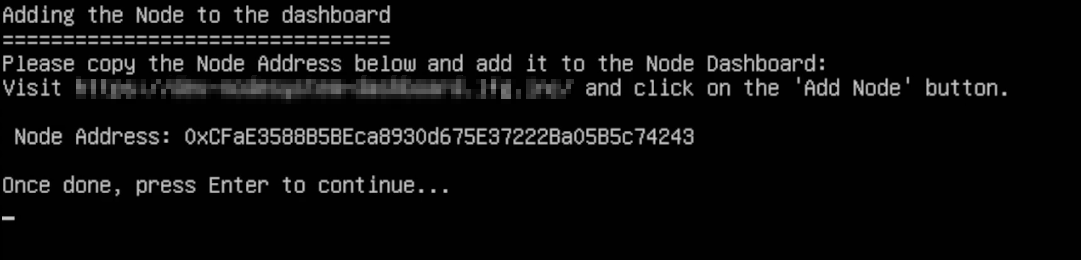
4. Connect your wallet to access the site.
5. Click the Add Node button.
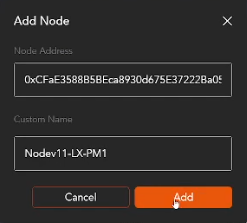
6. Enter your Node Address and assign a name, then press Add.
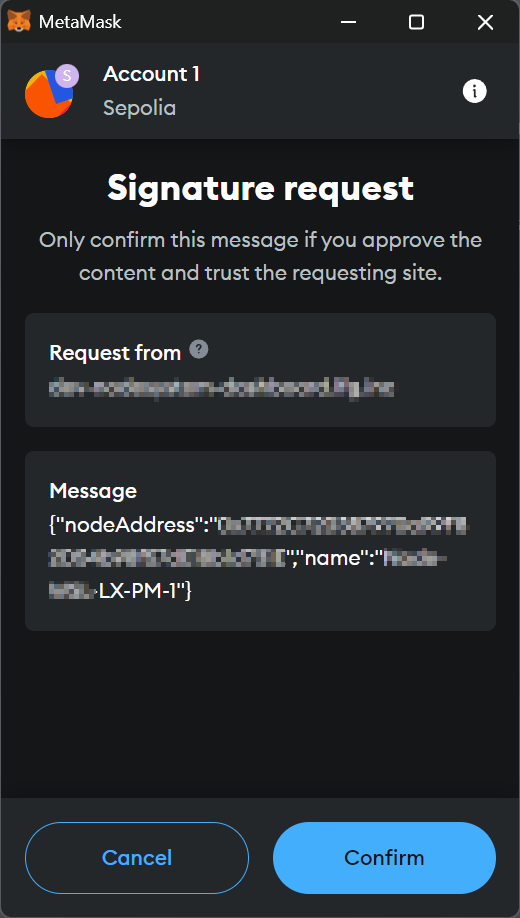
7. Press Confirm on your Wallet.
8. Return to the Terminal and press Enter.
9. Enter the workload number you wish to run:
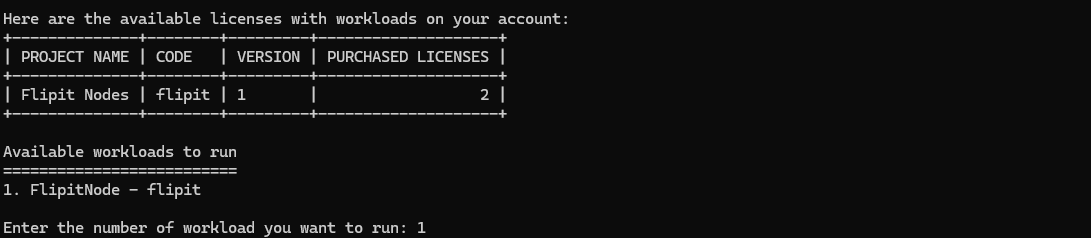
10. After adding a workload, you’ll be directed to a confirmation screen that indicates the completion of the setup process.
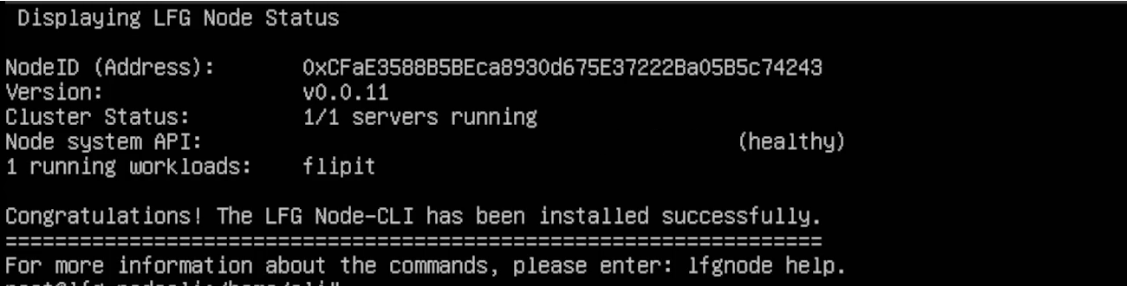
The node setup is now complete. It may take up to 5 minutes for the node to appear operational on the dashboard.

Conclusion
By following these steps, you will have successfully installed and configured the LFG Node CLI on your Ubuntu Linux machine. If you encounter any issues during installation or have additional questions, the LFG Discord Community is an excellent resource for troubleshooting and support.
Thanks for the feedback.